Canons
Canon is one of the leading global brands in printing technology, offering a wide range of devices tailored for home users, students, photographers, and small-to-large businesses.
Canons
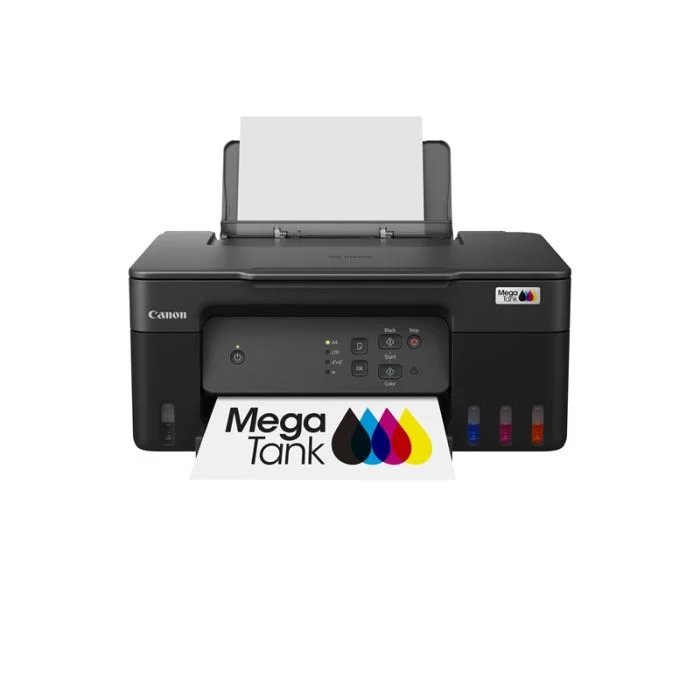
PIXMA G2730
Print speed may vary depending on system configuration, interface, software, document complexity, print mode, page coverage, type of paper used etc.
Optical resolution scan is available, only when you use TWAIN Driver. Optical resolution is a measure of maximum hardware sampling resolution, based on ISO 14473 standard.
The fastest speed in Hi-Speed USB on Windows PC. Transfer time to computer is not included.
The performance of the printer may be reduced under certain temperature and humidity conditions.
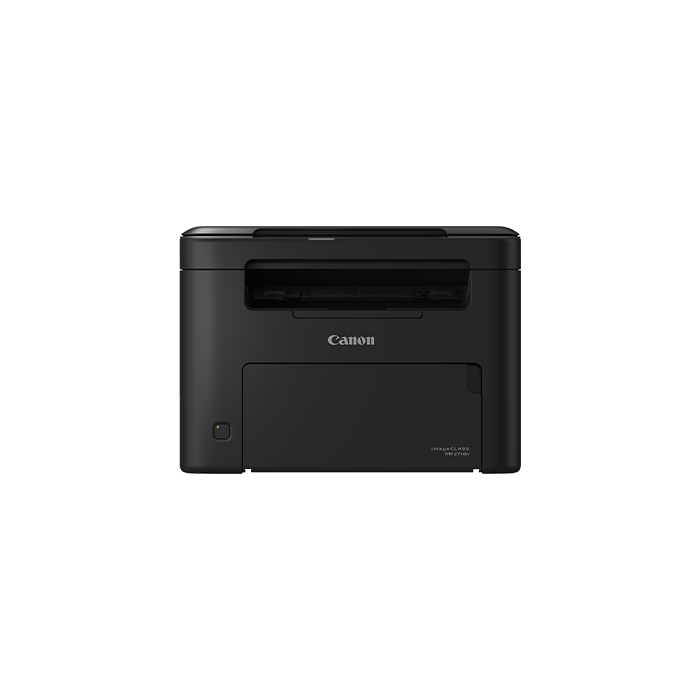
imageCLASS MF271dn
Print Speed Decreases when printed on media smaller than A4 sizes and on custom sized media.
Operates as a reliable multi-function device supporting printing, scanning, and copying in black-and-white.
Equipped with Ethernet (wired network) and high-speed USB 2.0 interfaces for easy sharing across a small office network.
Designed with a space-saving, compact chassis (measuring roughly 372 x 320 x 271 mm) that easily tucks into tight desktop spaces.
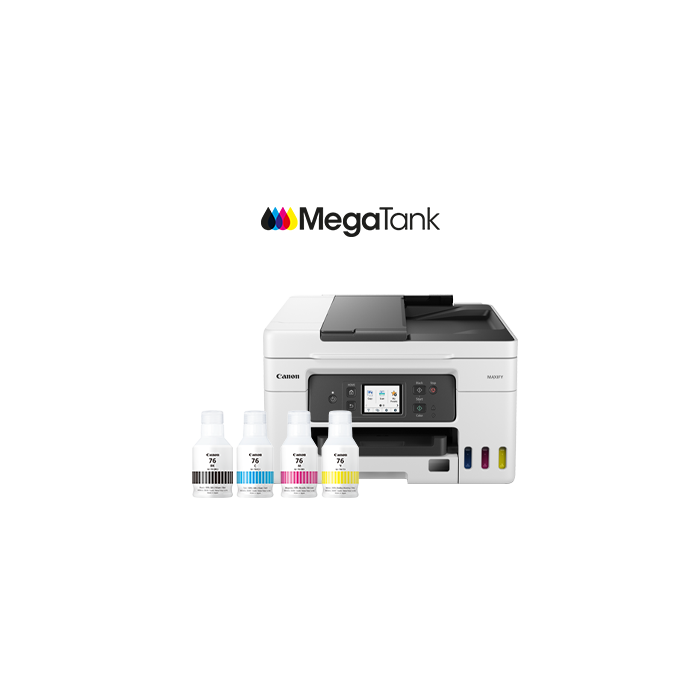
MAXIFY GX4070
When copying ISO/JIS-SCID N2 (printed by inkjet printer) on A4 size plain paper using default settings.
TWAIN driver (ScanGear) is based on the TWAIN specification V1.9 and requires the Data Source Manager comes with the operating system.
Page count is based on ITU-T No.1 chart or Canon FAX Standard Chart No.1.
The Economy mode reduces the ink consumption by lowering the density. More pages can be printed by using this mode.
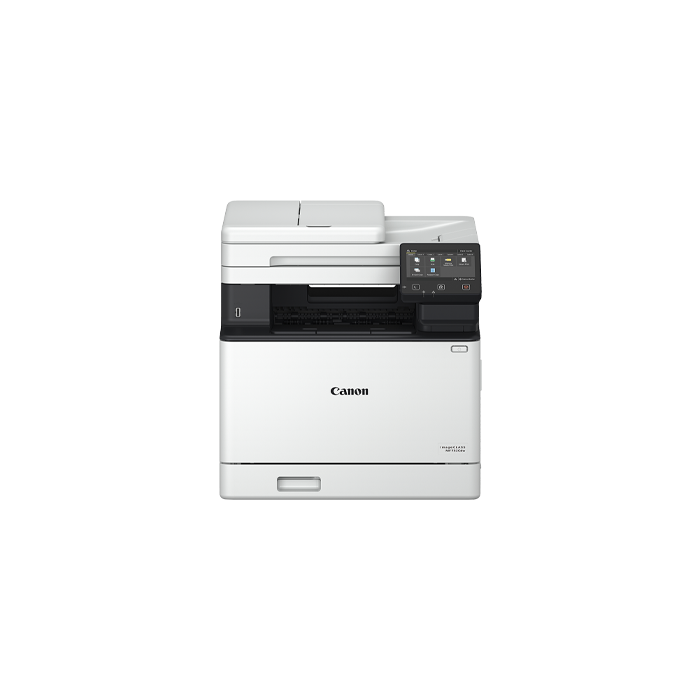
imageCLASS MF752Cdw
Speed of scanning via the document feeder, A4 size, scan resolution 300 x 300 dpi.
The latest drivers for Windows, Windows Server, Mac OS and Linux can be downloaded from the https://asia.canon website when available.
ScanGear is not available for Windows Server 2003/2008/2012.
Toner cartridge yield is in accordance with ISO/IEC 19798.